AI image detector
AI Image vs Real Photo: What Actually Looks Different
· 1 min read
Put a real photo and an AI image side by side and you'll often feel a difference before you can explain it. The AI one looks a bit too perfect: too sharp, too balanced, too clean. That gut feeling is useful, but it's also easy to fool. Here's what really tends to differ, and how much weight each difference deserves.
Key takeaways
- Real photos have flaws like noise, grain and imperfect focus.
- AI images tend to look too clean and too balanced.
- Differences are subtle and getting smaller every year.
- Confirm with the source and a detector, not just your eyes.
On this page
Noise, grain and imperfect focus
Cameras leave fingerprints: sensor noise, slight blur at the edges, motion smear when something moves. AI images often skip all of that and look smooth and evenly sharp. Be careful, though. A phone's night mode and a heavy denoise filter can smooth a real photo too.
Composition and lighting
Real photos are accidents: a stranger half out of frame, a lamp in the wrong place, light that falls unevenly. AI images frequently produce a tidy, centered subject with soft, flattering light. When a scene looks like a movie poster but claims to be a candid snap, pause.
Small details under zoom
Zooming in is where most of the evidence is.
- Text and logos that are almost right
- Jewelry, glasses and buttons that differ side to side
- Background objects that melt into each other
- Repeating patterns that don't quite repeat

Try FakeSpot now
Paste text or upload an image and see the AI and human percentage in seconds. No files or results are stored.
What isn't reliable any more
Six fingers, glassy eyes and melted faces used to be a giveaway. Newer models mostly fixed them. Don't treat their absence as proof of anything.
Tip: The best signal is rarely in the pixels. Check where the image came from and whether anyone credible shows the original.
Let a detector add an opinion
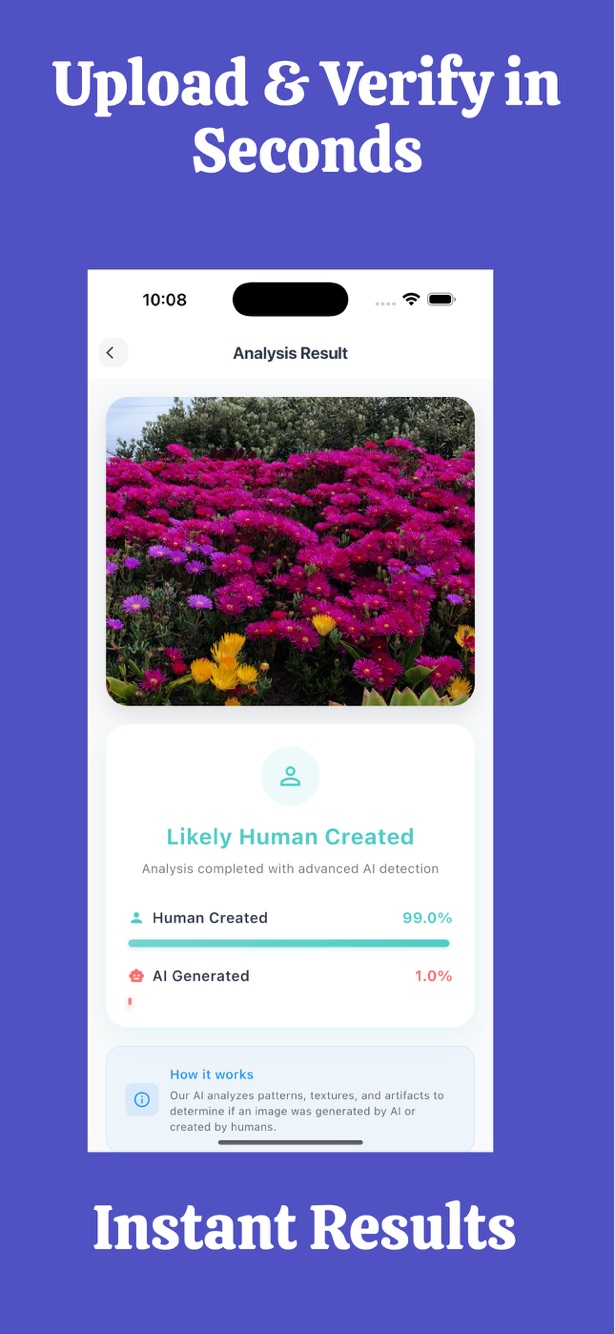
Upload the image to FakeSpot for an AI percentage and a human percentage that add up to 100%. A mixed result is labelled Not sure on purpose. Treat the numbers as a lean, not a ruling.
| What you notice | Weight |
|---|---|
| Too smooth, no noise | Small clue (filters do this too) |
| Garbled text or logos | Medium clue |
| No original source anywhere | Strong clue |
| High AI percentage from a detector | Strong clue, not proof |
Frequently asked questions
What is the easiest way to tell AI from real?
There isn't one. Combine a source check, a close look at details and a detector.
Do AI images always look too perfect?
Often, not always. Photographers also produce very clean images, so perfection alone proves nothing.
Can screenshots of AI images fool a detector?
They can lower accuracy, in both directions. Use the original file when possible.
Try FakeSpot now
Paste text or upload an image and see the AI and human percentage in seconds. No files or results are stored.
Results are probabilities, not proof.